


Google Maps SEO Trends That You Cannot Ignore in the year 2022


Google Maps is a powerful tool for businesses of all sizes. Not only does it allow customers to easily find your physical location, but Google Maps SEO can also help you rank higher in Google search results.
Here are some Google Maps SEO trends that you cannot ignore in the year 2022:
Check out below mention points.
1. Make sure your business information is accurate and up-to-date.
One of the most important things you can do to improve your Google Maps ranking is to make sure your business information is accurate and up-to-date. This includes your business name, address, and phone number. You can verify your business information by following these steps:
-Sign in to Google My Business.
-Click on “Verify this business” and enter your Google Account.
-Verify your Google Places listing.
2. Claim and verify your Google My Business page.
If you haven’t claimed and verified your Google My Business page, now is the time to do so. This is what customers see when they search Google maps for your business. Updating regular information such as business hours, descriptions, photos, etc., can help customers find you when they need you most! To claim and verify a Google My Business Page follow these steps:
1) Sign in with a Google account that has administrative rights in Google My Business (ex: Google+, Gmail or work/school account).
2) Select the location where you’d like to manage.
3) If your business is already listed on Google Maps, we’ll verify the listing. If not, you can add your business information.
4) Follow the steps to verify your business. You may be asked to provide a phone number or mail a postcard with a verification code.
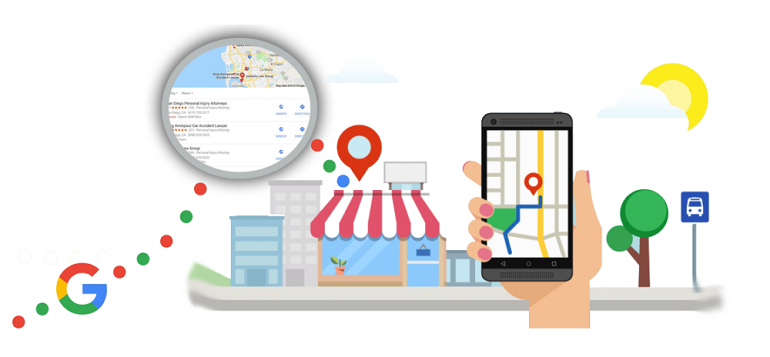
3. Make use of Google My Business posts.
Google My Business Posts are a great way to keep your customers up-to-date on what’s happening at your business. You can share photos, videos, and announcements with your customers, and they can even reply directly to your posts! To create a Google My Business post:
1) Sign in to Google My Business.
2) Select the location where you’d like to manage.
3) Click on “Posts” in the menu bar.
4) Write your post and choose when you want it to publish.
5) Add photos or videos, and tag other businesses or people.
6) Enter a website URL and Google will automatically create a link.
7) Add a call-to-action button (e.g., Learn more, Book now, Get offer).
4. Optimize your website for Google Maps SEO.
Google Maps SEO isn’t just about optimizing your Google My Business page; you also need to make sure your website is Google Maps friendly! Here are some things to keep in mind:
-Make sure your website is mobile friendly. Google now uses mobile-friendliness as a ranking factor in its search results.
-Include Google Maps embeds on your website. This allows customers to easily find your location and get directions.
-Make sure your business information is included on every page of your website. This includes your business name, address, and phone number.
5. Use keywords in your Google Maps listing.
Keywords are still an important part of Google Maps SEO. When you’re adding your business information, make sure to use keywords that describe what you do and the services you offer. This will help Google match your business with potential who are looking for what you have to offer.
6. Monitor your Google Maps rankings.
It’s important to monitor your Google Maps rankings so you can see how your Google Maps SEO efforts are affecting your business. You can use a variety of tools to track your ranking, such as the Google Search Console and Google My Business insights.
7. Keep up with Google’s latest changes.
Google is constantly making changes to its search engine algorithm, and many of these changes affect Google Maps SEO. To keep up with these changes, make sure to subscribe to Google’s Webmaster Blog and follow them on Twitter.
By following these tips, you can ensure that your business is taking advantage of all that Google Maps SEO has to offer!
Recent Posts


